 Hynek Oubrecht
  2026-01-09 12:49:47
  3 min reading
Mailocator allows you to bring valuable leads from web campaigns directly into your emailing or CRM system. If you work with your own solution or want to offer your clients a simple connection to your platform, this article will show you how to properly prepare the integration and what range of features makes the most sense.
We develop connectors based on third-party documentation
Mailocator is designed to connect to any system that allows you to:
- add a contact to the database,
- verify the existence of a contact,
- or update their data.
Integration is always implemented in the form of a connector, which we create internally based on your API documentation.
All you need to provide is:
- a description of the API endpoints,
- the data transfer format (JSON, XML),
- authorization (API key, OAuth, Basic Auth, token),
- restrictions or typical limits (rate limit, batch processing, validation).
We then deploy the connector directly to Mailocator, where users can select it just like any other pre-configured emailing tool.
Basic connection requirements
In order to connect the application correctly, the target system must be able to perform two basic operations:
Verify the existence of a contact
Typically an endpoint of the type:
GET /contacts/{email} The purpose is to prevent duplicates, decide on updates, and work uniformly with DOI (double opt-in).
Add a new contact to the list
Standard:
POST /contacts Expected capabilities:
- save email,
- assign contact to a specific list, group, or segment,
- return status information (success, duplicate, invalid email).
This is the absolute minimum that will allow you to transfer leads from Mailocator forms to your system.
Extensions: custom fields and other data structures
In most real-world integrations, not only email addresses are transferred, but also other values such as:
- first name,
- last name,
- phone number,
- interest categories,
- preferences,
- source or campaign identifier,
- voucher value,
- custom fields.
How does Mailocator work with data?
Mailocator transfers data in a precisely defined object that includes:
- system fields (email, name, surname, etc.),
- additional campaign metadata,
- any custom fields defined in the form.
The connector must be able to map this data to the structure of your system:
- either to fixed fields,
- or to flexible custom fields.
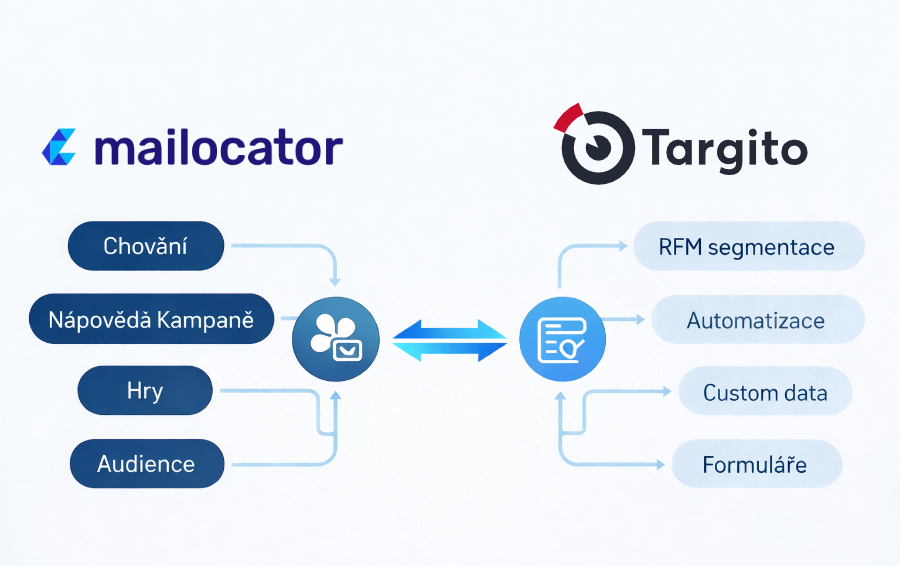
This makes Mailocator not just an email collector, but a rich source of segmentation data that can be used, for example, to personalize the welcome flow or other automations.
Automation and advanced DOI processes
With advanced integrations, transferred data can be used to automatically trigger:
- welcome flows,
- double opt-in processes,
- segment-based campaigns,
- scenarios based on product category,
- scenarios based on discount amount or specific lead magnet,
- complaints/service/product registrations,
- newsletter sign-ups from various types of pop-ups.
This option is key in integrations such as:
- Targito,
- Maileon,
- Ecomail,
- and other advanced tools.
How does it work technically?
Mailocator sends the contact along with metadata.
Your API saves the data and assigns the contact to the correct group, list, or workflow.
The emailing system launches the connected automation.
The connector must therefore enable:
- assignment of tags/segments,
- triggering of the workflow using the API,
- or at least insertion of the contact into the "entry list."
If the system supports DOI, the connector can:
- trigger its own confirmation email,
- or respect the DOI process controlled directly by the emailing system.