 Hynek Oubrecht
  2026-08-05 14:10:21
  3 min reading
dataLayer is a key tool for campaign personalization. When used correctly, it allows you to target content based on user behavior, significantly increases campaign performance, and improves the overall user experience.
What is dataLayer, its history, and what it is used for
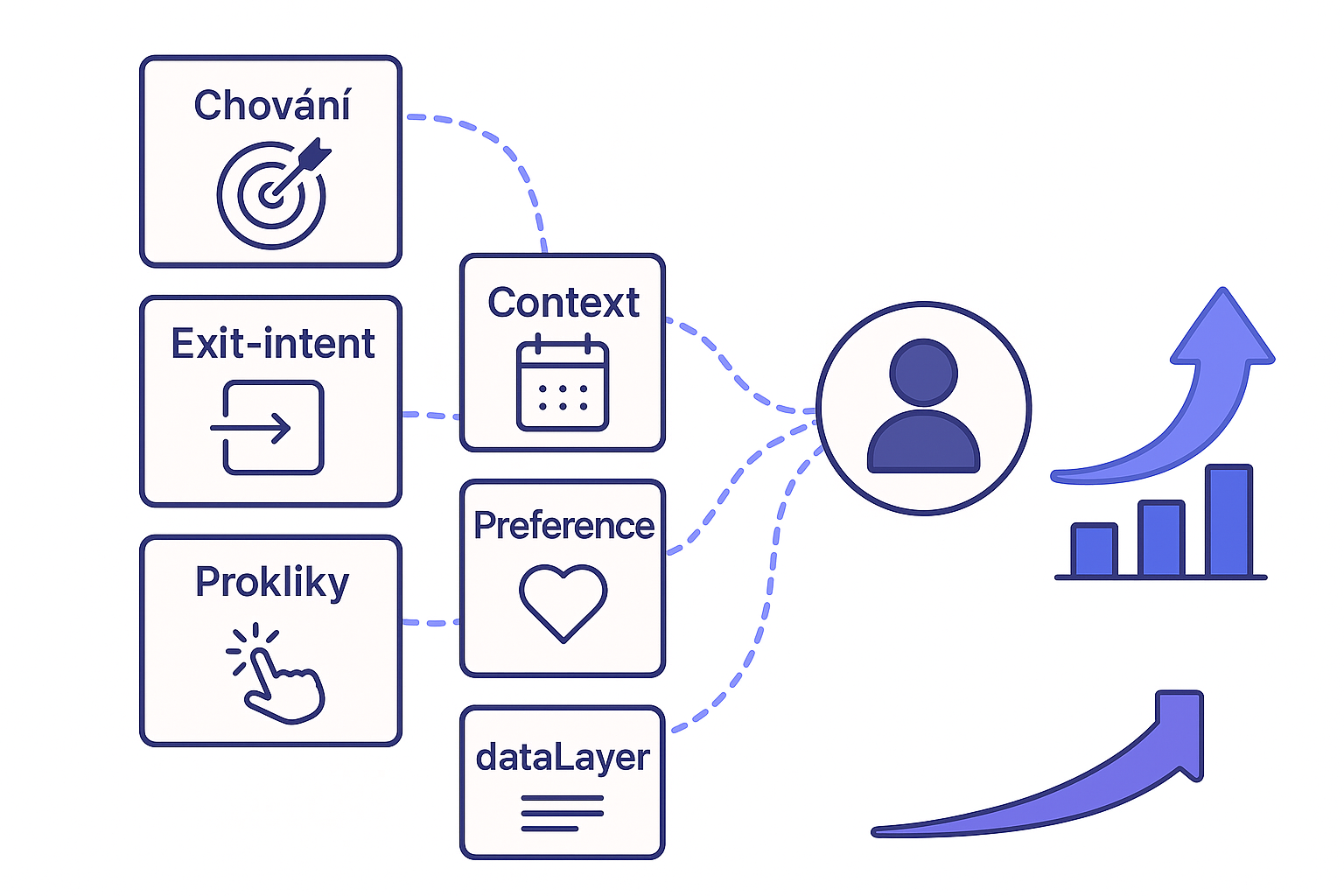
dataLayer is a global JavaScript object (array of objects) that serves as a unified data interface between the tools you use on your website (analytics, e-shop, e-mailing, etc.).
It became most widespread with the advent of Google Tag Manager, which uses it as its primary data source. However, it has gradually become the de facto standard even outside the Google ecosystem because it allows you to:
- store information about the user, content, and context of the page in a structured way,
- separate data from specific measurement implementations,
- securely and consistently pass information to multiple tools at once.
Example
dataLayer.push({
  pageType: "product",
  productCategory: "Shoes",
  userType: "registered",
  language: "cs"
});
How do I know if I have dataLayer on my website?
- Hopefully, enter dataLayer in your browser console and you should see a list of objects
Practical examples of using dataLayer
It's not just about targeting, but about actually dynamically adjusting the content and appearance of a campaign based on the context of the page.
Personalized text
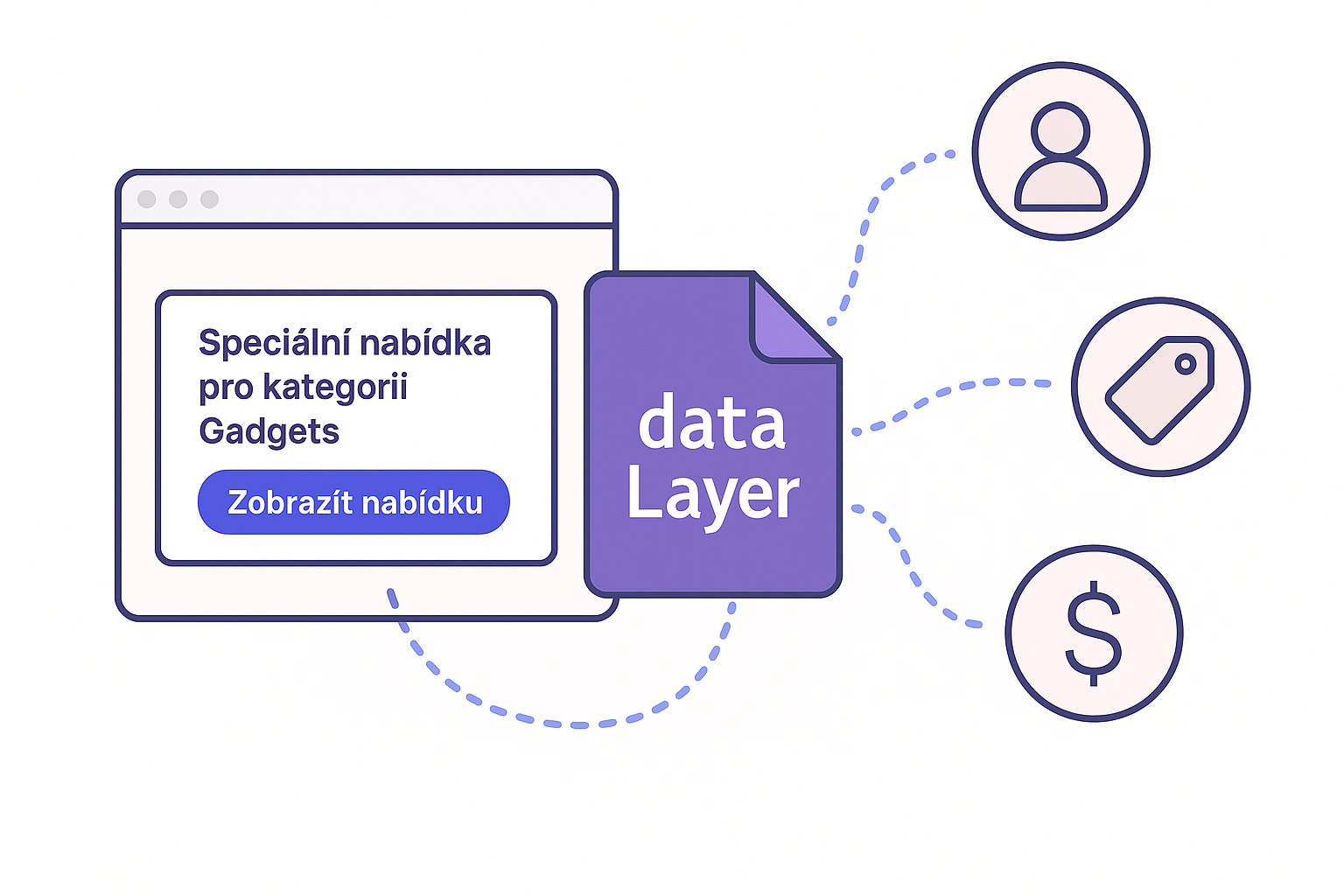
The simplest and most effective use is to add values from the dataLayer directly into the campaign text using a placeholder:
Special offer for category [[productCategory]] When displaying the campaign, Mailocator automatically replaces the placeholder with the current value from the dataLayer. This means that users always see a message that corresponds to the content of the page they are on.
The result is a single campaign that:
contains text relevant to the category instead of generic text
Advanced example: working with prices and product alternatives
In some e-shops, not only basic product information is written to the dataLayer, but also its price and alternative products, including prices. This opens up space for very sophisticated scenarios that have a direct impact on conversions.
A typical example of data in the dataLayer might look like this:
dataLayer.push({
  productPrice: 2490,
  alternativeProduct: "Model B",
  alternativePrice: 1990
});
Based on these values, a simple calculation directly in the Mailocator campaign can determine the price difference, for example in percentages. Mailocator can then calculate how much cheaper the alternative product is and use this information directly in the campaign content.
You save up to [[((productPrice - alternativePrice) / productPrice) * 100]] % The result can be, for example, a pop-up or notification in the style of:
"You'll save up to 20%"
Changing visuals using CSS classes
dataLayer can also be used for more advanced scenarios where not only the text changes, but the entire visual style of the campaign. For example, by adding a dynamic part to the CSS class name:
div class="campaign campaign--[[productCategory]]" Based on the value of productCategory, you can then have different styles defined in CSS:
.campaign--electronics { background: #0a2540; }
.campaign--fashion { background: #f5e6ff; }
The result is a single campaign that:
automatically changes colors, images, or layout,
responds to page content without additional logic,
appears consistent and natural in every context.
Why does it make sense to use a data layer?
These approaches allow you to create highly flexible campaigns without having to duplicate them.
The dataLayer thus becomes a bridge between website content and the visual and content personalization of campaigns, leading to higher relevance, better performance, and a better user experience.