 Mailnatives
  2026-08-05 14:10:21
  2 min reading
CTA (Call to Action) is often perceived as a simple sales button. In reality, however, it has a much broader and more subtle role. A properly designed CTA is not primarily about immediate conversion, but about establishing interaction when the user is ready for it. That is why CTA plays an important role in modern, UX-friendly campaigns.
What is CTA and why it is not just a sales element
CTA is a visual element on a page – a button, icon, or bar – that gives the user the option to voluntarily trigger further action. Unlike automatically displayed pop-ups:
does not interrupt content
waits for the user's initiative
gives a sense of control
From a psychological point of view, a CTA is a tool for reducing resistance. The user does not make a decision under pressure, but at the moment when they feel that the offer can bring them value. That is why a CTA often works better as an intermediate step than as a direct sales channel.
What are the CTA formats in Mailocator?
Icon
The icon is the most inconspicuous form of CTA. It is particularly suitable for content websites, blogs, or advice columns, where it is important not to interrupt reading. The user perceives it as an optional entry to the offer, which they can return to when they have the time.
Button
The button is the most prominent and direct form of CTA. It is used where the offer is clear and specific – for example, a discount, registration, or subscription. The button gives the user a clear signal to take action and is suitable for campaigns with a clearly defined goal.
Bar
A thin bar combines visibility with subtlety. It is typically placed at the top or bottom of the page and allows you to communicate a message over a long period of time without interrupting the content. It is ideal for longer-term campaigns, notifications, or reminders of offers that users can return to repeatedly.
How is CTA used?
Campaign opener
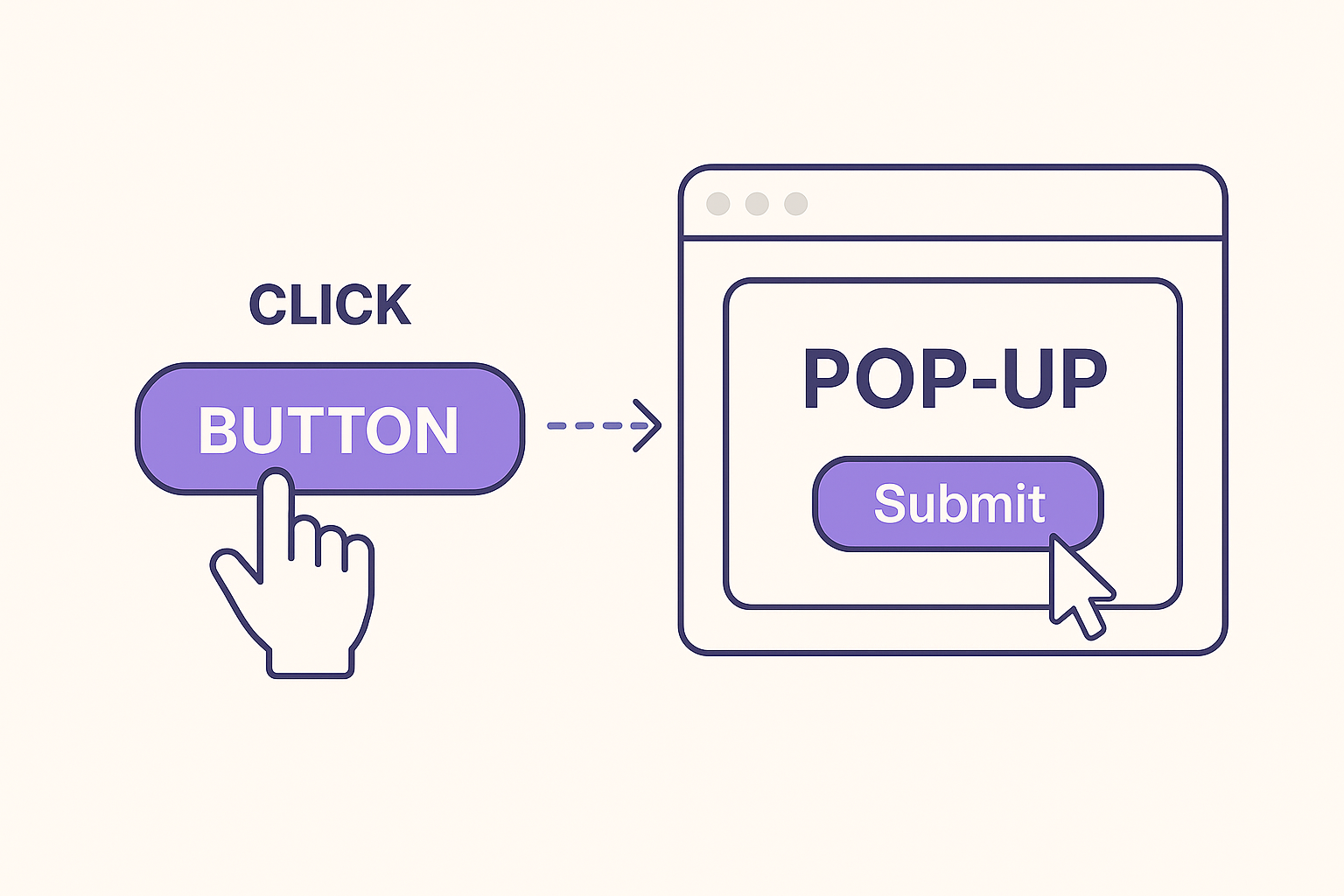
Instead of automatically displaying a pop-up, the user first sees an unobtrusive CTA that opens the campaign only after clicking.
This approach is particularly suitable for:
long-term campaigns
content pages
situations where you don't want to disturb the user immediately after loading the page
Reminder after closing the campaign
The second common scenario is to display the CTA only after closing the campaign without conversion. If the user closes the pop-up but is not ready to respond immediately, the CTA gives them the option to return to the campaign later.
This approach is particularly suitable for:
reducing frustration from repeated pop-up displays
maintaining the chances of conversion
extending the life of a single campaign without increasing pressure
How do CTAs work in Mailocator?
Mailocator works with CTAs as a full-fledged part of campaigns, not as an add-on.
Different CTAs for desktop and touch devices
User behavior varies significantly depending on the device. Mailocator therefore allows you to have:
different CTAs for desktop,
different CTAs for mobile and touch devices.
This is useful, for example, when there are differences in placement, size, or method of interaction (click vs. tap).